
Anúncios
Unlock the full potential of your smartphone by enabling 5G connectivity and experiencing blazing-fast internet speeds like never before.


The arrival of 5G technology has transformed how we interact with our mobile devices, offering unprecedented speeds and lower latency. Yet many smartphone users aren’t taking advantage of this revolutionary network simply because they haven’t properly activated it on their devices.
Whether you’re streaming high-definition content, gaming online, or simply browsing social media, enabling 5G on your phone can dramatically enhance your mobile experience. Let’s explore everything you need to know about unlocking this powerful technology.
🚀 Understanding What 5G Really Means for Your Phone
Fifth-generation wireless technology represents a quantum leap forward from 4G LTE networks. With theoretical speeds reaching up to 20 Gbps, 5G networks can download a full-length HD movie in seconds rather than minutes.
Beyond raw speed, 5G offers significantly reduced latency—the delay between sending and receiving data. This improvement makes real-time applications like video calls, cloud gaming, and augmented reality experiences smoother and more responsive than ever before.
The technology operates across three spectrum bands: low-band (wide coverage but moderate speeds), mid-band (balanced performance), and high-band or millimeter wave (ultra-fast but limited range). Understanding which type your carrier offers helps set realistic expectations for your experience.
📱 Checking If Your Device Supports 5G Technology
Not all smartphones can access 5G networks. Before attempting to enable this feature, you need to verify your device’s compatibility. Most flagship phones released after 2020 include 5G modems, but budget and mid-range models may lack this capability.
For iPhone users, the iPhone 12 series and newer models all support 5G connectivity. Android users should check their phone’s specifications in the settings menu or on the manufacturer’s website. Look for “5G,” “5G NR,” or “Sub-6 GHz/mmWave” in the connectivity specifications.
You can quickly verify 5G support by navigating to your phone’s settings. On most devices, go to Settings > About Phone > Network or Connections. If 5G appears as an option under preferred network type, your device is compatible.
💡 Identifying Your Phone’s 5G Bands
Different carriers use different 5G frequency bands, and not all 5G phones support every band. This distinction matters because a phone might technically be “5G capable” but not work with your specific carrier’s 5G infrastructure.
Research which 5G bands your carrier uses in your region, then cross-reference these with your phone’s supported bands. This information typically appears in your device’s technical specifications or can be found on the manufacturer’s official website.
🔍 Verifying Your Carrier’s 5G Coverage
Having a 5G-capable phone means nothing if your mobile carrier hasn’t deployed 5G towers in your area. Coverage varies dramatically between urban centers and rural regions, with cities typically receiving priority deployment.
Visit your carrier’s website and locate their coverage map. Most providers offer interactive tools where you can enter your address or zip code to see available network types. These maps distinguish between different 5G types—nationwide 5G typically offers modest improvements, while ultra-wideband or 5G+ delivers the dramatic speeds you’ve heard about.
Keep in mind that even within covered areas, 5G availability can be spotty. Buildings, weather conditions, and network congestion all affect signal strength and speed. Initial rollouts often focus on high-traffic areas like stadiums, airports, and downtown districts.
⚙️ Enabling 5G on iPhone Devices
Apple makes activating 5G relatively straightforward on compatible iPhones. The process takes just a few taps and offers multiple configuration options to balance speed with battery life.
Open the Settings app and tap “Cellular” or “Mobile Data” depending on your region. Select “Cellular Data Options,” then tap “Voice & Data.” You’ll see several network options including 5G Auto, 5G On, and LTE.
The “5G Auto” setting intelligently switches between 5G and LTE based on your activity, preserving battery life when ultra-fast speeds aren’t necessary. Choose “5G On” to maintain constant 5G connectivity whenever available, though this may drain your battery faster.
🔋 Managing Data Mode Settings
Below the network selection, you’ll find “Data Mode” settings that control how much data your iPhone uses. Standard mode works for most users, while “Allow More Data on 5G” enables higher-quality video streaming and FaceTime calls when connected to 5G networks.
The Low Data Mode restricts background activities and automatic updates, useful when you’re approaching your data cap. Experiment with these settings to find the balance that works for your usage patterns and plan limits.
📲 Activating 5G on Android Smartphones
Android devices vary widely in their interface depending on manufacturer and software version, but the general process remains similar across most phones. Samsung, Google Pixel, OnePlus, and other brands place network settings in accessible locations.
Navigate to Settings and look for “Connections,” “Network & Internet,” or “Wireless & Networks.” The exact wording depends on your device manufacturer. Tap “Mobile Networks” or “SIM Card Settings” if you have a dual-SIM phone.

Find “Preferred Network Type” or “Network Mode” and select “5G/LTE/3G/2G (auto connect)” or simply “5G.” Some devices offer additional options like “5G/LTE” or “5G Only”—the auto option provides the best flexibility, switching networks as needed.
After making your selection, your phone should immediately begin searching for available 5G signals. You’ll notice a “5G” indicator appear in your status bar when successfully connected to a fifth-generation network.
🎯 Troubleshooting Android 5G Activation Issues
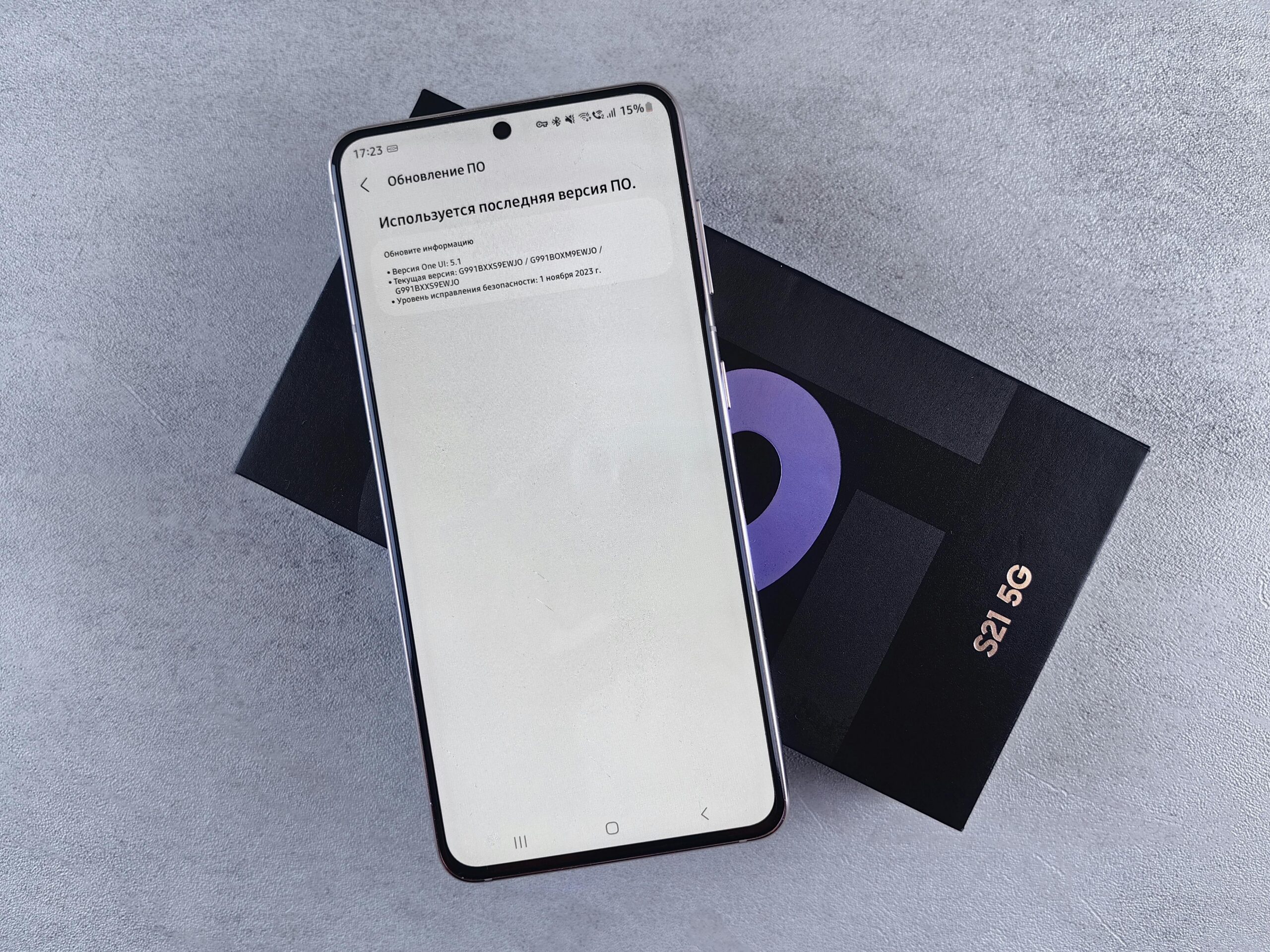
If 5G doesn’t appear as an option in your network settings despite having a compatible device, your phone’s software may need updating. Check for system updates in Settings > System > System Update or Software Update.
Sometimes carrier settings require updates separately from your operating system. These carrier updates enable specific features and optimize your phone for your provider’s network. Check for these updates in the same section where you’d find system updates.
🌐 Optimizing Your 5G Connection for Best Performance
Simply enabling 5G doesn’t guarantee optimal performance. Several factors influence your actual experience, and understanding these variables helps you maximize the technology’s potential.
Position matters significantly, especially with millimeter-wave 5G. These high-frequency signals don’t penetrate buildings well, so you’ll experience best performance outdoors with clear line-of-sight to cell towers. Even standing near windows can dramatically improve indoor reception.
Time of day affects network congestion. Peak usage hours—typically lunch breaks and evenings—may show slower speeds as more users compete for bandwidth. Testing your connection at different times helps identify when you’ll experience peak performance in your area.
📊 Testing Your 5G Speed Accurately
Speed test apps provide concrete metrics about your connection quality. Popular options include Speedtest by Ookla, FAST by Netflix, and specialized 5G testing applications that measure not just speed but also latency and consistency.
Run multiple tests at different locations and times to build a complete picture of your 5G coverage. Remember that advertised peak speeds rarely represent typical usage—real-world speeds depend on numerous variables including tower distance, network load, and environmental factors.
🔋 Understanding 5G’s Impact on Battery Life
The biggest drawback of 5G connectivity is increased power consumption. Your phone works harder to maintain 5G connections, especially when switching between different network types or searching for signals in areas with weak coverage.
Manufacturers have improved battery efficiency with each generation of 5G modems, but the technology still drains batteries faster than 4G LTE. Users typically notice a 10-30% reduction in battery life when constantly connected to 5G networks.
Strategic network management extends battery life without sacrificing too much performance. Use automatic switching modes that connect to 5G only when beneficial, and consider manually switching to LTE during activities that don’t require ultra-fast speeds.
⚡ Practical Tips for Extending Battery Life on 5G
Enable battery saver modes during extended periods away from chargers. Most phones offer adaptive battery features that learn your usage patterns and optimize background processes accordingly.
Disable 5G when you’re stationary with Wi-Fi access. Your phone constantly searching for better 5G signals wastes power unnecessarily when you’re already connected to a reliable network at home or work.
Download large files and updates while plugged into power. This practice ensures you benefit from 5G speeds without worrying about the battery impact of sustained high-speed data transfers.
💰 Data Usage Considerations with 5G Networks
Faster speeds can lead to unexpected data consumption. When content loads instantly, you’re more likely to stream higher quality video, download larger files, and engage in data-intensive activities without thinking twice.
A 4K video stream that would have been impractical on 4G becomes seamless on 5G, but it also consumes significantly more data per minute. Many users discover they exceed their data caps more quickly after enabling 5G.
Monitor your data usage closely during your first billing cycle with 5G active. Most phones include built-in usage tracking in Settings under Data Usage or Mobile Data. Set warnings and limits to avoid overage charges.
📱 Adjusting Streaming Quality Settings
Configure streaming apps to limit video quality based on your data plan. Netflix, YouTube, and similar services allow you to cap resolution at 720p or 1080p, preventing automatic 4K streaming that devours data allowances.
Download content over Wi-Fi for offline viewing rather than streaming on cellular networks. This approach combines the convenience of mobile entertainment with the practicality of unlimited home internet connections.
🛠️ Solving Common 5G Connection Problems
Many users experience frustration when 5G doesn’t work as expected. Connection drops, slow speeds despite 5G indicators, and inability to connect altogether represent the most common complaints.
Restart your device as a first troubleshooting step. This simple action refreshes network connections and often resolves temporary glitches. Toggle Airplane Mode on and off to force your phone to reconnect to the cellular network.
Remove and reinsert your SIM card if problems persist. Ensure the SIM is properly seated in its tray and that the tray clicks securely into place. Older SIM cards may not fully support 5G—contact your carrier for a replacement if your card is more than a few years old.
🔧 Advanced Troubleshooting Techniques
Reset network settings when basic troubleshooting fails. This action clears saved Wi-Fi passwords, Bluetooth pairings, and cellular configurations, returning everything to factory defaults. Find this option in Settings under System or General Management.
Contact your carrier’s technical support if issues continue after network resets. They can verify your account is provisioned correctly for 5G service and check for tower outages or maintenance in your area. Some plans require specific 5G activation or may not include 5G access despite having a compatible device.
🌟 Maximizing Real-World 5G Benefits
Understanding which activities benefit most from 5G helps you leverage the technology effectively. Not everything you do on your phone requires ultra-fast speeds, but certain use cases truly shine with fifth-generation connectivity.
Cloud gaming platforms like Xbox Cloud Gaming, GeForce NOW, and PlayStation Remote Play deliver near-console quality experiences over 5G networks. The low latency and high bandwidth handle game streaming with minimal lag, making mobile gaming genuinely competitive.
Video conferencing becomes dramatically more reliable with 5G’s stable connections and high upload speeds. Whether joining work meetings or catching up with family, you’ll notice fewer frozen frames and clearer audio compared to older networks.
Augmented and virtual reality applications finally become practical on mobile devices thanks to 5G capabilities. These experiences require massive data throughput and minimal latency—precisely what 5G networks provide.
🔮 Future-Proofing Your Mobile Experience
Even if 5G coverage in your area is currently limited, enabling the feature ensures you’re ready when infrastructure expands. Carriers continuously add towers and improve coverage, meaning areas without service today may have excellent connectivity tomorrow.
The technology will only become more important as app developers optimize software for 5G capabilities. Future applications will assume 5G availability, making early adoption increasingly valuable for accessing new features and services.
Device resale value benefits from 5G compatibility. When upgrading to your next phone, a 5G-enabled device commands higher prices on the secondary market compared to 4G-only models, even if you rarely used the feature.
✅ Taking the Next Step with Your 5G Connection
Enabling 5G on your smartphone opens doors to faster downloads, smoother streaming, and enhanced mobile experiences across virtually every app and service you use. The process requires just a few minutes of configuration, but the benefits extend throughout your device ownership.
Start by verifying your device compatibility and carrier coverage, then follow the appropriate steps for your iPhone or Android device. Monitor battery usage and data consumption during your first weeks with 5G to adjust settings for your specific needs and usage patterns.
Remember that 5G technology continues evolving. Today’s speeds and coverage represent just the beginning of what this generation of wireless technology will ultimately deliver. By activating 5G now, you position yourself at the forefront of mobile connectivity, ready to take advantage of innovations as they arrive.
Your smartphone contains incredible potential—5G simply unlocks it. Don’t let your device sit idle on older networks when breakthrough performance awaits just a few taps away in your settings menu.
