
Anúncios
The Amazon TV app transforms how you experience streaming, offering seamless control over your Fire TV devices and access to thousands of entertainment options directly from your smartphone.


In today’s digital age, streaming entertainment has become an integral part of our daily routines. The Amazon TV application serves as a powerful companion tool that enhances your Fire TV experience, turning your mobile device into a sophisticated remote control and content discovery platform. Whether you’re searching for your next favorite show, managing multiple Fire TV devices, or simply need a more intuitive way to navigate your entertainment ecosystem, this app delivers comprehensive functionality wrapped in an elegant interface.
Beyond basic remote control features, the Amazon TV app bridges the gap between mobile convenience and big-screen entertainment. It eliminates the frustration of lost remotes, simplifies text input through your phone’s keyboard, and provides personalized recommendations based on your viewing habits. As streaming services continue to multiply and content libraries expand exponentially, having a centralized control hub becomes increasingly valuable for modern viewers.
📱 What Makes the Amazon TV App Essential
The Amazon TV application stands out in the crowded field of streaming companion apps through its deep integration with the Fire TV ecosystem. Unlike generic remote control apps, this official Amazon solution offers seamless connectivity and features specifically designed to enhance every aspect of your viewing experience.
The app automatically detects Fire TV devices on your home network, establishing connections without complicated pairing processes. Once connected, your smartphone becomes a versatile control center that goes far beyond traditional remote functionality. You can browse content, launch apps, adjust volume, and navigate menus with intuitive touch gestures that feel natural and responsive.
🎮 Advanced Remote Control Capabilities
The virtual remote interface replicates all physical remote buttons while adding touchpad navigation for fluid scrolling. Voice search functionality allows you to speak your queries directly into your phone, bypassing the tedious letter-by-letter typing that frustrates many smart TV users. The app also includes playback controls that work universally across different streaming services, providing consistent operation regardless of which platform you’re watching.
Text input becomes dramatically easier when using your phone’s keyboard instead of navigating an on-screen alphabet grid. Whether you’re entering login credentials, searching for specific titles, or typing messages in chat-enabled applications, the familiar smartphone keyboard saves considerable time and reduces frustration. This feature alone justifies keeping the app installed for many users.
🔍 Content Discovery and Personalization Features
Beyond remote control functionality, the Amazon TV app excels as a content discovery tool. The interface presents personalized recommendations based on your viewing history, ratings, and preferences across Amazon Prime Video and other integrated services. You can browse through curated collections, trending titles, and genre-specific categories directly from your phone.
The app’s search functionality aggregates results from multiple streaming services, showing you where specific movies or shows are available to watch. This cross-platform search capability eliminates the need to open individual apps repeatedly while hunting for content. You’ll see availability across Prime Video, Netflix, Hulu, Disney+, and other supported services, along with pricing information for rentals and purchases.
📺 Managing Multiple Fire TV Devices
For households with multiple Fire TV devices in different rooms, the app provides centralized management. You can quickly switch between devices, see what’s currently playing on each screen, and control multiple televisions without physically moving between rooms. This multi-device support proves particularly valuable for parents monitoring children’s viewing or for managing entertainment in vacation homes.
Device settings can be accessed and modified through the app, including display configuration, audio preferences, and parental controls. Making these adjustments from your phone often proves more convenient than navigating nested menu systems on your television screen. The app also displays device information like storage capacity, installed apps, and software version details.
⚡ Performance and Connectivity Advantages
The Amazon TV app maintains remarkably responsive performance, with minimal latency between input commands and on-screen actions. This responsiveness stems from optimized network protocols and efficient code architecture that prioritizes real-time communication between devices. Even on crowded Wi-Fi networks, the app typically maintains stable connections.
Automatic reconnection features ensure that if your connection drops temporarily, the app reestablishes communication without requiring manual intervention. The application works on both Wi-Fi and mobile data networks, though local Wi-Fi connectivity provides the best performance for remote control functions. Cloud-based features like content browsing and purchase management work effectively on cellular connections.

🔐 Security and Privacy Considerations
Security features include encrypted communication between your phone and Fire TV devices, protecting your commands and personal information from potential interception. The app requires authentication through your Amazon account, ensuring that only authorized users can control your devices. Optional PIN protection adds an additional security layer for households concerned about unauthorized access.
Privacy settings allow you to control what viewing data Amazon collects and how it’s used for recommendations. You can review and delete your watch history, manage advertising preferences, and configure parental controls directly through the app interface. These privacy controls provide transparency and user autonomy over personal entertainment data.
🎯 Setting Up the Amazon TV App Successfully
Installation and initial setup require only a few minutes. After downloading from your device’s app store, sign in with your Amazon account credentials—the same account associated with your Fire TV device. The app automatically scans your local network for compatible devices and displays them in a simple list.
Selecting your Fire TV from the list initiates a pairing process that typically involves entering a code displayed on your television screen. This one-time verification ensures secure connections and prevents unauthorized devices from controlling your Fire TV. Once paired, the app remembers your devices and reconnects automatically on subsequent launches.
🛠️ Troubleshooting Common Connection Issues
If your Fire TV doesn’t appear during initial setup, verify that both your phone and Fire TV are connected to the same Wi-Fi network. Router configurations that isolate connected devices can prevent discovery, as can certain guest network modes. Temporarily disabling VPN services on your phone may also resolve connectivity problems.
For persistent connection issues, restarting both your Fire TV device and smartphone often resolves underlying network communication problems. Ensuring that both the Fire TV system software and Amazon TV app are updated to the latest versions eliminates compatibility issues that occasionally emerge after system updates.
🌟 Maximizing Your Streaming Experience
Power users discover numerous workflow optimizations through the app’s advanced features. Creating watchlists on your phone allows you to queue content for later viewing, building a personalized entertainment lineup without interrupting current playback. These lists sync across all devices, accessible from any Fire TV or through the Prime Video website.
Voice search extends beyond simple title lookups to include actor names, directors, genres, and even descriptive phrases like “action movies from the 1990s” or “award-winning documentaries.” The intelligent search algorithm interprets natural language queries effectively, understanding context and intent to deliver relevant results. This conversational search approach feels more intuitive than traditional keyword-based systems.
🎬 Integration with Prime Video and Other Services
For Prime Video subscribers, the app provides direct access to Amazon’s extensive content library, including exclusive original series, licensed movies, and premium channel subscriptions. You can browse Prime Video catalogs, add titles to your watchlist, and initiate playback on your Fire TV—all from your phone.
Third-party streaming services integrated with Fire TV also benefit from app control. While the depth of integration varies by service, most major platforms support basic playback controls and content launching through the Amazon TV app. This unified control interface reduces the need to juggle multiple remote apps for different streaming services.
👨👩👧👦 Family-Friendly Features and Parental Controls
Families appreciate the robust parental control options accessible through the app. You can set age-based content restrictions, create PIN-protected profiles, and review viewing activity for individual family members. These controls help parents ensure children access age-appropriate content while allowing adults unrestricted viewing.
Profile management allows each household member to maintain personalized watchlists, viewing histories, and recommendation algorithms. Switching between profiles through the app takes seconds, making it easy for different family members to access their customized entertainment environments. Profile pictures and custom names help children identify their accounts easily.
📊 Viewing History and Analytics
The app maintains detailed viewing histories that help you track what you’ve watched and easily resume interrupted content. This history syncs across devices, so starting a movie on your living room Fire TV and finishing it in your bedroom works seamlessly. The resume functionality remembers your exact playback position, even across different devices.
For users interested in their entertainment patterns, the app provides insights into total viewing time, most-watched genres, and content consumption trends. While not as detailed as dedicated analytics platforms, these statistics offer interesting perspectives on your entertainment habits and help inform future content recommendations.
💡 Hidden Features Worth Exploring
Beyond obvious functionality, the Amazon TV app includes several lesser-known features that enhance usability. Screen mirroring capabilities allow you to cast photos and videos from your phone directly to your television, transforming your Fire TV into a digital photo frame or presentation display. This feature works independently of specific streaming services, supporting most media file formats.
App management tools let you view all installed Fire TV applications, check for updates, and even uninstall apps remotely. This proves particularly useful for clearing storage space or removing apps you’ve decided you no longer need. The interface presents clearer information than navigating similar settings directly on your television.
🎵 Audio and Alexa Integration
For Fire TV devices equipped with Alexa functionality, the app serves as an alternative voice control interface. You can issue Alexa commands through your phone, including smart home controls, information queries, and entertainment requests. This integration bridges the gap between your entertainment system and broader smart home ecosystem.
Audio settings accessible through the app include volume leveling, surround sound configuration, and audio output format selection. These technical adjustments typically require navigating complex menu structures on your television, but the app presents them in straightforward, understandable terms with helpful descriptions of each option’s effects.
🔄 Regular Updates and Future Development
Amazon maintains active development of the Fire TV app, releasing regular updates that introduce new features, improve performance, and address user feedback. Recent updates have enhanced voice search accuracy, expanded third-party service integration, and refined the user interface based on usability studies. This ongoing development ensures the app continues meeting evolving user expectations.
Future roadmap hints from Amazon suggest continued expansion of smart home integration, improved content recommendation algorithms, and potential social viewing features that allow friends to watch content together remotely. While specific timelines remain unannounced, Amazon’s investment in the Fire TV ecosystem indicates sustained commitment to app enhancement.
🌐 Compatibility Across Devices and Platforms
The Amazon TV app maintains broad compatibility across both iOS and Android devices, including phones and tablets. The interface scales appropriately to different screen sizes, providing optimized layouts whether you’re using a compact smartphone or a large tablet. This flexibility ensures consistent functionality regardless of your preferred mobile device.
Operating system requirements remain reasonable, supporting devices several years old without demanding the latest hardware or software versions. This inclusive approach maximizes the number of users who can benefit from the app without requiring expensive device upgrades. Regular testing across different device models ensures reliable performance on diverse hardware configurations.
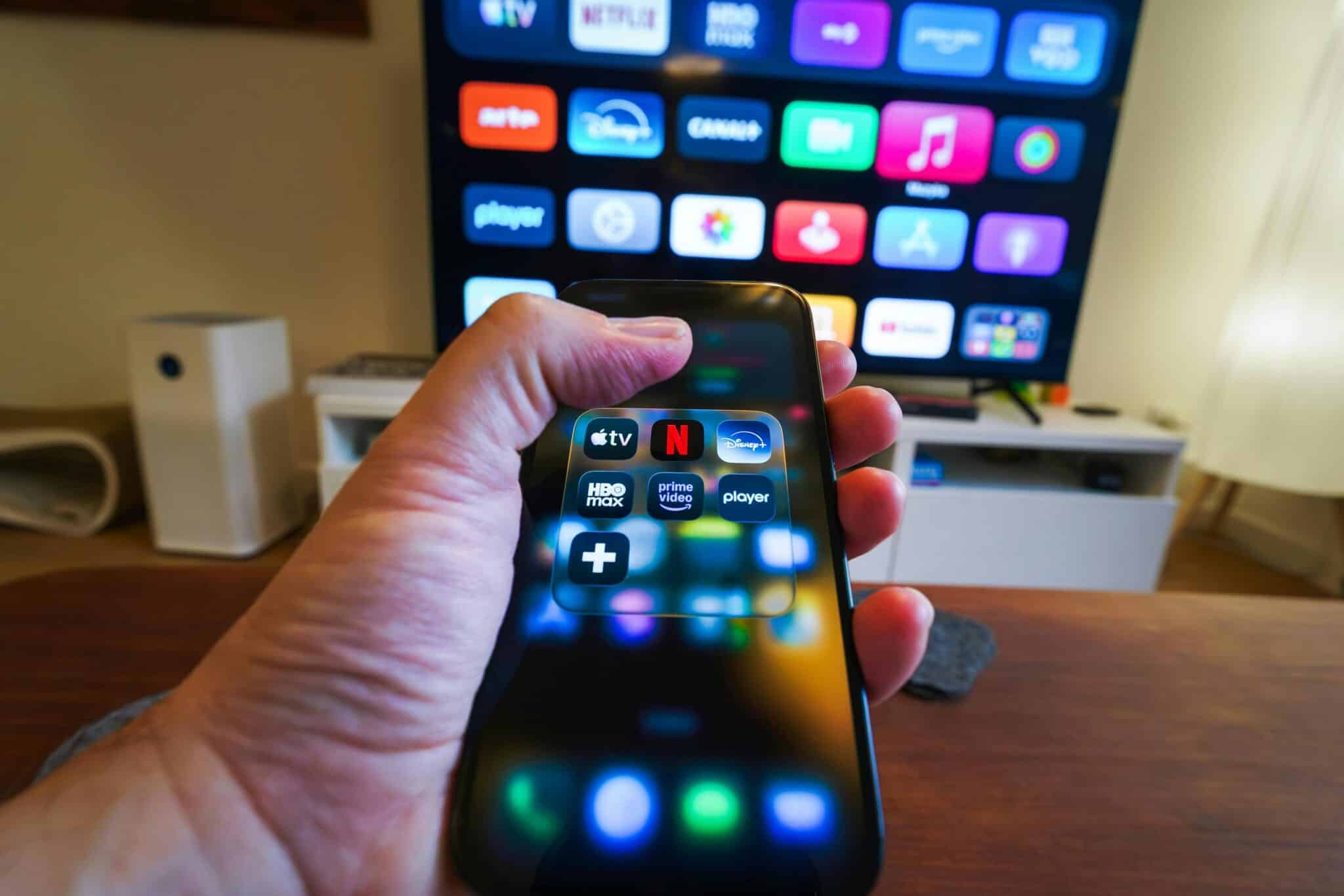
🚀 Why This App Deserves Space on Your Phone
The Amazon TV application represents far more than a simple remote control replacement. Its comprehensive feature set addresses genuine pain points in modern streaming entertainment, from content discovery challenges to multi-device management complexities. The convenience of controlling your television from the device already in your hand eliminates friction from the viewing experience.
For Fire TV owners, installing this app constitutes an essential optimization that unlocks the full potential of your streaming hardware. The combination of improved navigation, enhanced search capabilities, and centralized content management creates a qualitatively better entertainment experience. Even users who initially install it as a backup remote quickly discover features that become indispensable parts of their daily viewing routines.
The app’s zero-cost availability removes any barrier to trying it, and its intuitive design ensures that even less tech-savvy users can quickly master basic functions. As streaming continues evolving into the dominant form of video entertainment, tools like the Amazon TV app that simplify and enhance this experience become increasingly valuable. Whether you’re a casual viewer or a dedicated entertainment enthusiast, this application offers tangible benefits that justify its place in your mobile app collection.
