
Anúncios
As smartphones become more powerful, battery life remains a critical concern for users worldwide, sparking interest in apps designed to optimize and extend device performance.


Battery anxiety is real. We’ve all experienced that sinking feeling when our phone drops to 20% and we’re nowhere near a charger.
The good news? Understanding how battery management apps work can transform your relationship with your device’s power consumption.
Modern smartphones pack incredible technology into compact devices, but all that power comes at a cost.
Display brightness, background apps, GPS tracking, and constant connectivity drain batteries faster than ever.
This is where specialized battery optimization apps enter the picture, promising to squeeze every possible minute from your charge cycle. 🔋
Understanding How Battery Enhancement Apps Actually Work
Battery optimization apps don’t magically create power from thin air. Instead, they work by identifying and managing power-hungry processes running on your device. These applications monitor system behavior, track app consumption patterns, and provide actionable insights about your usage habits.
The core functionality revolves around three main principles: monitoring, analysis, and optimization. Quality battery apps measure the electrical current flowing in and out of your battery, calculate consumption rates, and estimate remaining usage time with remarkable accuracy. They detect apps draining power in the background and offer recommendations for extending battery life.
Many users misunderstand what these apps can accomplish. They won’t increase your battery’s physical capacity or reverse chemical degradation. However, they can significantly improve efficiency by managing how your device utilizes available power. Think of them as personal trainers for your smartphone’s energy consumption. 📊
Key Features That Make Battery Apps Worth Installing
Not all battery management applications offer the same value. The most effective ones combine several powerful features that work together to maximize your device’s runtime between charges.
Real-Time Battery Health Monitoring
Advanced battery apps provide detailed information about your battery’s current condition. They measure capacity degradation over time, showing you exactly how much charge your battery can hold compared to when it was new. This transparency helps you make informed decisions about charging habits and potential replacement timing.
These monitoring systems track charge cycles, voltage levels, temperature fluctuations, and discharge rates. Understanding these metrics empowers you to identify problems before they become critical. For instance, if your battery temperature consistently runs high, you’ll know to adjust your charging environment or usage patterns.
Intelligent Charging Alerts and Protection
One of the most valuable features modern battery apps offer is intelligent charging management. They notify you when your device reaches optimal charge levels (typically 80%) to prevent overcharging, which accelerates battery degradation over time.
These systems also warn against charging in extreme temperatures and can pause background processes during charging to reduce heat generation. By following these recommendations consistently, users can extend their battery’s overall lifespan by months or even years. ⚡
Detailed App Consumption Analysis
Battery management apps excel at identifying which applications consume the most power. They provide granular breakdowns showing exactly how much battery each app uses during active use and while running in the background.
This transparency reveals surprising culprits. That innocent-looking weather widget might be constantly pinging GPS satellites, or a social media app could be refreshing content every few minutes. Armed with this knowledge, you can make strategic decisions about which apps deserve battery access and which should be restricted.

Popular Myths About Battery Optimization Apps Debunked
The internet is filled with misconceptions about battery-saving apps. Let’s separate fact from fiction to help you set realistic expectations.
Myth: Apps Can Physically Increase Battery Capacity
Some users believe battery apps can somehow expand their device’s power storage. The truth is that battery capacity is determined by physical hardware—the lithium-ion cells inside your phone. No software can change this fundamental limitation.
What these apps actually do is optimize how existing capacity is used. They help you get the most from what you have, but they can’t create energy that doesn’t exist. Understanding this distinction prevents disappointment and helps you appreciate the genuine benefits these tools provide.
Myth: Task Killer Features Always Save Battery
Many battery apps include task killers that force-close background applications. While this sounds logical, modern operating systems are designed to manage memory and background processes efficiently. Constantly killing apps can actually increase battery drain because apps must reload completely each time you open them.
Effective battery management focuses on identifying truly problematic apps rather than indiscriminately closing everything. Smart restrictions on specific power-hungry applications yield better results than aggressive task killing. 🎯
Myth: Calibration Features Restore Battery Health
Some apps offer “battery calibration” features claiming to restore lost capacity. In reality, calibration simply resets the battery statistics your phone uses to estimate remaining charge. It doesn’t affect actual battery health or capacity.
Calibration can improve accuracy in battery percentage readings, which is useful, but it won’t make an aged battery perform like new. Managing expectations here is crucial for user satisfaction with these applications.
Maximizing Benefits From Your Battery Management App
Installing a battery app is just the first step. To truly benefit from these tools, you need to actively engage with the insights they provide and implement their recommendations consistently.
Establish Healthy Charging Habits
Use your battery app’s charging alerts to develop better charging routines. Aim to keep your battery between 20% and 80% most of the time. Occasional full charges are fine, but making partial charging your standard practice significantly extends battery lifespan.
Avoid leaving your phone plugged in overnight every single night. Instead, consider charging it to around 80% before bed, which provides plenty of power for the next day while reducing stress on battery chemistry. Your battery app will help you monitor and maintain these optimal levels. 🌙
Act on App Consumption Insights
Regularly review the consumption reports your battery app generates. Identify apps using disproportionate power relative to your actual usage. For apps you rarely use but that consume significant battery, consider uninstalling them entirely.
For apps you need but that drain excessive power, explore their settings for battery-saving options. Disable background refresh, reduce update frequency, or switch to manual sync modes. These small adjustments compound into substantial battery savings over time.
Monitor Long-Term Health Trends
Battery apps provide historical data showing how your battery’s capacity changes over weeks and months. Pay attention to these trends. A gradual decline is normal, but sudden drops might indicate problems requiring attention.
If you notice accelerated degradation, evaluate your charging habits, environmental factors, and usage patterns. Sometimes simple changes—like avoiding hot cars or using a different charger—can dramatically improve battery longevity.
What Battery Apps Cannot Fix: Hardware Realities
Setting realistic expectations is essential for satisfaction with battery management apps. These tools are powerful but not miraculous. Recognizing their limitations helps you use them effectively.
All lithium-ion batteries degrade chemically over time regardless of how carefully you treat them. After 500-800 full charge cycles, most batteries retain only 80% of their original capacity. Battery apps can slow this process through optimized charging practices, but they cannot prevent it entirely.
Physical damage also falls outside the scope of software solutions. If your battery is swollen, overheating dangerously, or has suffered water damage, no app can resolve these issues. In such cases, professional replacement is the only safe option. 🔧
Similarly, if your device’s battery was poorly manufactured or has fundamental defects, software optimization provides limited help. These tools work best with healthy batteries that need efficiency improvements, not hardware interventions.
Privacy and Permission Considerations
Battery management apps require certain permissions to function effectively, but users should understand what they’re granting access to and why.
These apps typically need permission to monitor other applications, access usage statistics, and sometimes run continuously in the background. While these permissions are necessary for core functionality, they also create potential privacy considerations.
Choose reputable battery apps from established developers with transparent privacy policies. Read reviews specifically mentioning data practices and advertising behavior. Some free apps subsidize development through aggressive data collection or intrusive advertisements—factors worth considering when selecting your battery management solution. 🔒
Premium versions often eliminate advertisements and reduce data collection, providing better privacy alongside enhanced features. For users particularly concerned about privacy, the investment in a paid app might be worthwhile.
Complementary Strategies That Amplify App Effectiveness
Battery apps work best when combined with smart device usage habits. Implementing these complementary strategies maximizes the benefits your battery management app provides.
Optimize Display Settings
Your screen consumes more battery than any other component. Reduce brightness to comfortable levels rather than maximum, and enable automatic brightness adjustment. Consider using dark mode on devices with OLED screens, as black pixels consume virtually no power.
Shortening screen timeout duration also prevents unnecessary battery drain when you’re not actively using your device. These display optimizations work synergistically with your battery app’s recommendations for maximum efficiency.
Manage Connectivity Features Wisely
GPS, Bluetooth, Wi-Fi, and mobile data all consume power even when you’re not actively using them. Disable location services for apps that don’t genuinely need them, and turn off Bluetooth when not connected to devices.
Your battery app can help identify which connectivity features drain the most power on your specific device, allowing you to make informed decisions about when to enable various radios. 📡
Control Background App Refresh
Many apps refresh content in the background even when you’re not using them. While convenient, this feature significantly impacts battery life. Review background refresh settings and disable it for apps where real-time updates aren’t necessary.
Your battery management app provides data showing which background processes consume the most power, helping you prioritize which apps deserve background access and which should update only when opened.
When Professional Intervention Becomes Necessary
Battery apps are diagnostic and optimization tools, but sometimes the data they reveal indicates problems requiring professional attention rather than software solutions.
If your battery app consistently shows abnormal temperature readings, rapid capacity loss, or erratic discharge patterns, these symptoms might indicate hardware failure. Swelling, unusual odors, or physical deformation of your device are emergency situations requiring immediate professional evaluation.
When battery health drops below 70-75% of original capacity, performance issues become noticeable regardless of optimization efforts. At this point, battery replacement—performed by qualified technicians—becomes the most practical solution for restoring satisfactory performance. 🛠️
Future Developments in Battery Management Technology
The field of mobile battery management continues evolving rapidly. Understanding emerging trends helps you anticipate future capabilities and maintain realistic expectations about current limitations.
Machine learning integration is becoming increasingly sophisticated in battery apps. These systems learn your individual usage patterns and proactively optimize settings throughout the day, automatically adjusting performance profiles based on your routine and remaining charge.
Enhanced hardware integration promises deeper access to battery management systems in future devices. As manufacturers recognize the value users place on battery longevity, they’re providing third-party apps with greater control over charging algorithms and power management features.
Wireless charging optimization represents another frontier. As wireless charging becomes ubiquitous, battery apps are developing features specifically designed to manage the unique challenges and opportunities this technology presents, including heat management and efficiency optimization. ⚡
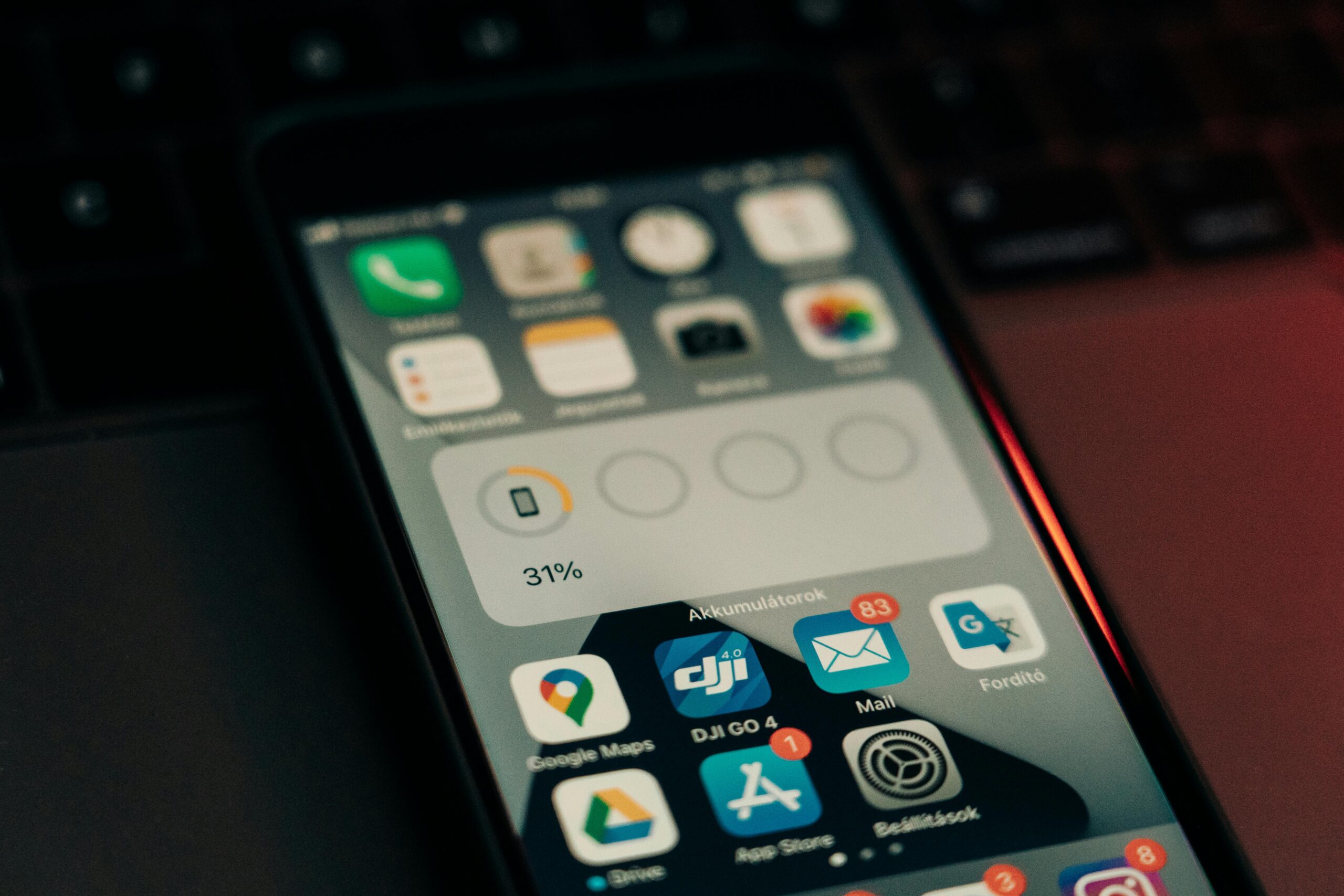
Making the Most of Your Mobile Battery Experience
Battery management apps represent valuable tools in the modern smartphone user’s arsenal. They transform the abstract concept of battery health into concrete, actionable data you can use to extend both daily runtime and overall battery lifespan.
Success with these applications requires understanding both their capabilities and limitations. They excel at identifying inefficiencies, monitoring health trends, and recommending optimization strategies. However, they cannot overcome fundamental hardware limitations or reverse physical degradation.
The most effective approach combines a quality battery management app with smart usage habits and appropriate hardware maintenance. Monitor the insights your app provides, implement its recommendations consistently, and know when software optimization reaches its limits and hardware intervention becomes necessary.
Your smartphone battery is a consumable component with a finite lifespan, but proper management can significantly extend its useful life while maintaining performance. By leveraging the monitoring, analysis, and optimization capabilities of modern battery apps, you take control of your device’s power consumption rather than being held hostage by low battery warnings. 🔋✨
Ultimately, these apps empower informed decision-making about device usage, charging practices, and maintenance timing. That knowledge transforms battery anxiety into battery confidence, letting you focus on using your smartphone rather than constantly worrying about finding the next charging outlet.
