
Anúncios
Unlocking 5G on your smartphone opens the door to blazing-fast internet speeds, seamless streaming, and a whole new mobile experience worth exploring today.


The arrival of 5G technology has revolutionized how we connect, communicate, and consume content on our mobile devices. With download speeds that can reach up to 10 gigabits per second, 5G isn’t just an incremental upgrade—it’s a complete transformation of what’s possible with wireless connectivity. Yet, many smartphone users haven’t activated this powerful feature on their devices, missing out on incredible performance benefits.
Whether you recently purchased a 5G-compatible phone or you’ve had one sitting in your pocket for months, understanding how to properly enable and optimize 5G connectivity can dramatically enhance your mobile experience. From adjusting network settings to choosing the right data plan, this comprehensive guide will walk you through everything you need to know about unlocking 5G on your smartphone. 📱
Understanding 5G Technology and Its Benefits
Before diving into the activation process, it’s essential to grasp what makes 5G such a game-changer. The fifth generation of wireless technology operates on three different spectrum bands: low-band, mid-band, and high-band (mmWave). Each offers distinct advantages in terms of speed, coverage, and penetration through obstacles.
Low-band 5G provides widespread coverage similar to 4G LTE but with moderately improved speeds. Mid-band strikes a balance between speed and coverage, delivering significantly faster performance than 4G. High-band 5G, also known as mmWave, offers mind-blowing speeds but with limited range and building penetration. Your carrier typically determines which bands are available in your area.
The practical benefits extend far beyond just faster downloads. With 5G, you’ll experience reduced latency—often as low as 1 millisecond—which means virtually instant responses when loading web pages, sending messages, or gaming online. Video calls become crystal clear without frustrating lag, and streaming 4K or even 8K content becomes effortlessly smooth.
Checking If Your Phone Supports 5G
Not all smartphones can access 5G networks, so verification is your first step. Most devices manufactured after 2020 include 5G capability, but it’s not universal. You can confirm your phone’s compatibility by checking the manufacturer’s specifications on their official website or reviewing the original packaging and documentation.
On Android devices, navigate to Settings > About Phone > Status or Network to see if 5G appears as a network option. iPhone users running iOS 14 or later can check by going to Settings > Cellular > Cellular Data Options, where 5G settings will appear if supported.
Additionally, your phone’s model number can reveal 5G compatibility. A quick online search of your exact model will clarify whether it includes the necessary hardware—specifically, a 5G modem chip. Popular 5G-enabled devices include the iPhone 12 and newer, Samsung Galaxy S20 series and beyond, Google Pixel 5 and later models, and most flagship phones from OnePlus, Xiaomi, and other manufacturers released in recent years.
Carrier Compatibility Matters Too 🌐
Having a 5G phone is only half the equation. Your mobile carrier must offer 5G service in your area, and your plan needs to include 5G access. Major carriers like Verizon, AT&T, T-Mobile, Vodafone, EE, and others have been rapidly expanding their 5G networks, but coverage remains inconsistent globally.
Visit your carrier’s website or use their coverage map tool to verify 5G availability in your location. Some carriers offer 5G access across all plans, while others reserve it for premium tiers. Contact customer service or check your account details online to confirm your plan includes 5G connectivity without additional fees.
How to Enable 5G on Android Devices
Activating 5G on Android phones follows a relatively straightforward process, though exact menu names may vary slightly depending on your device manufacturer and Android version. Start by ensuring your phone’s operating system is updated to the latest version, as older software may not fully support 5G features.
Open your Settings app and locate the “Connections” or “Network & Internet” section. Tap on “Mobile Networks” or “Cellular Networks,” then look for an option labeled “Network Mode,” “Preferred Network Type,” or similar terminology. Here you’ll find various options including 5G, LTE/4G, 3G, and 2G combinations.
Select the option that includes 5G—this might appear as “5G/LTE/3G/2G (auto connect)” or simply “5G.” Some manufacturers like Samsung offer additional choices such as “5G Auto” which intelligently switches between 5G and 4G to conserve battery, or “5G On” which prioritizes 5G connectivity whenever available.
Samsung-Specific Instructions
Samsung Galaxy users have a slightly different path: Settings > Connections > Mobile Networks > Network Mode. Samsung devices often include a toggle specifically labeled “5G” that you can enable independently. Some models also feature a “Network Booster” option that simultaneously uses Wi-Fi and mobile data for enhanced speeds when 5G is active.
Google Pixel Activation Steps
For Google Pixel phones running Android 12 or later, go to Settings > Network & Internet > SIMs > Preferred Network Type. Select “5G” from the list. Pixel devices also include an Adaptive Connectivity feature under Settings > Network & Internet > Adaptive Connectivity, which automatically adjusts between 5G and 4G based on your usage patterns to optimize battery life.

Activating 5G on iPhone Models
Apple introduced 5G support starting with the iPhone 12 series, and the process to enable it is refreshingly simple. Open the Settings app, tap “Cellular” or “Mobile Data” depending on your region, then select “Cellular Data Options.” You’ll see a “Voice & Data” menu—tap it to reveal your network options.
Here you’ll find three primary choices: 5G On, 5G Auto, and LTE. Selecting “5G On” keeps your iPhone connected to 5G networks whenever available, providing the fastest possible speeds but potentially consuming more battery power. This option is ideal when you’re in areas with strong 5G coverage and need maximum performance.
“5G Auto” represents Apple’s smart approach to balancing speed and battery life. This mode automatically switches to LTE when 5G speeds wouldn’t provide noticeable benefits, such as when you’re performing background tasks or when 5G signal strength is weak. For most users, 5G Auto offers the best compromise between performance and efficiency.
The “LTE” option disables 5G entirely, forcing your iPhone to use only 4G networks. You might choose this setting if you’re experiencing connectivity issues with 5G, want to maximize battery life, or are traveling internationally where 5G roaming charges apply.
Additional iPhone 5G Settings ⚙️
iPhone users have access to additional 5G-related features. Under the same “Cellular Data Options” menu, you’ll find “Data Mode” settings that include Low Data Mode, Standard, and Allow More Data on 5G. The latter option enables higher-quality video streaming, FaceTime calls, and automatic downloads over 5G networks.
You can also enable “5G Standalone” (if your carrier supports it) for access to the most advanced 5G features with lower latency. This option appears as a toggle in newer iOS versions when your carrier’s network supports standalone 5G architecture.
Troubleshooting Common 5G Activation Issues
Sometimes enabling 5G doesn’t immediately result in 5G connectivity. Several factors might prevent your phone from accessing 5G networks even after activation. The 5G icon should appear in your status bar when successfully connected—if it doesn’t, troubleshooting is necessary.
First, verify your physical location has 5G coverage by consulting your carrier’s coverage map. 5G networks are still expanding, and many areas—particularly rural regions—lack infrastructure. Even in cities, coverage can be spotty, with 5G available on certain streets but not others just blocks away.
Restart your phone after changing network settings. This simple step forces your device to re-scan for available networks and establish fresh connections. Power cycling can resolve temporary software glitches preventing 5G detection.
SIM Card Compatibility Issues
Older SIM cards may not support 5G connectivity. Contact your carrier to request a 5G-compatible SIM card—most providers offer free replacements. Some newer phones use eSIM technology, which can be reprogrammed remotely by your carrier to enable 5G access without physical card replacement.
Software Updates Required
Outdated operating systems or carrier settings can block 5G functionality. Check for system updates in your phone’s settings and install any pending updates. Additionally, carriers periodically release carrier settings updates that optimize network performance—these usually install automatically but can be manually checked in your device settings.
Airplane Mode Reset Trick ✈️
A quick troubleshooting method involves toggling Airplane Mode on for 10 seconds, then turning it off. This forces your phone to disconnect from all networks and reconnect, potentially resolving connectivity issues. Many users report this simple trick successfully establishes 5G connections when standard activation doesn’t work.
Optimizing Your 5G Experience
Successfully enabling 5G is just the beginning. Optimizing your settings ensures you extract maximum value from this technology while managing potential drawbacks like increased battery consumption. Understanding when and how to use 5G intelligently makes a substantial difference.
Battery life represents the most common concern with 5G connectivity. The technology currently demands more power than 4G, particularly when using mmWave high-band 5G. If battery drain becomes problematic, consider using your phone’s adaptive or auto 5G mode, which intelligently switches between 5G and 4G based on actual needs.
Many phones now include battery optimization features specifically designed for 5G. Explore your device’s battery settings for options like “Adaptive Battery,” “Battery Optimization,” or manufacturer-specific power-saving modes that work alongside 5G without completely disabling it.
Managing Data Consumption 📊
Faster speeds naturally encourage higher data consumption. You might find yourself streaming higher-quality video, downloading larger files, or using data-intensive apps more frequently simply because 5G makes these activities so smooth. Monitor your data usage regularly through your phone’s settings or carrier app.
Consider adjusting streaming quality settings in apps like Netflix, YouTube, and Spotify to prevent automatic quality upgrades that consume significantly more data. Most apps allow you to set maximum quality levels regardless of connection speed, helping you stay within data plan limits.
Understanding 5G Network Indicators
Your phone’s status bar displays various 5G indicators that signify different connection types. Understanding these symbols helps you know exactly what kind of 5G you’re accessing at any moment, as the experience varies considerably between different 5G implementations.
The simple “5G” icon typically indicates connection to low-band or mid-band 5G, offering improved speeds over 4G but not the maximum theoretical performance. “5G+” (on AT&T), “5G UW” (on Verizon), or “5G UC” (on T-Mobile) indicate ultra-fast mmWave or mid-band connections capable of delivering gigabit speeds.
Some carriers use “5GE” (5G Evolution), which actually represents advanced 4G LTE rather than true 5G—a marketing term that has generated considerable confusion. Knowing your carrier’s specific terminology helps set realistic expectations about the speeds you should experience.
Real-World Speed Expectations 🚀
While 5G marketing often touts multi-gigabit speeds, real-world performance varies dramatically. Low-band 5G typically delivers 50-250 Mbps—faster than 4G but not revolutionary. Mid-band 5G offers 100-900 Mbps in ideal conditions, providing noticeably superior performance for demanding tasks.
MmWave 5G can genuinely achieve 1-4 Gbps speeds, but only when you’re within a few hundred feet of a 5G transmitter with clear line of sight. Buildings, trees, and even rain can block these signals, causing your phone to drop back to slower 5G bands or 4G.
5G and International Travel Considerations
Traveling internationally with a 5G phone requires special attention. 5G availability varies enormously by country, with some nations having extensive coverage while others have barely begun deployment. Research your destination’s 5G infrastructure before relying on it during your trip.
International roaming charges can escalate quickly with 5G’s faster speeds encouraging higher data usage. Check with your carrier about international 5G roaming rates, which often differ from standard 4G roaming charges. Some carriers offer international plans that include 5G access at reasonable rates.
Consider disabling 5G when abroad if you’re using pay-per-use roaming without an international plan. Forcing your phone to use 4G or 3G networks prevents excessive charges while still maintaining connectivity for essential communications and navigation.
Future-Proofing Your Mobile Experience
Enabling 5G today positions you advantageously for tomorrow’s mobile applications. Developers are creating increasingly sophisticated apps and services designed specifically for 5G’s capabilities—augmented reality experiences, cloud gaming platforms, real-time collaborative tools, and IoT integrations that simply couldn’t function properly on 4G networks.
As carriers continue expanding infrastructure and refining technology, 5G performance will steadily improve even without hardware upgrades. Network densification, better spectrum allocation, and software optimizations mean the 5G you activate today will likely deliver superior performance six months or a year from now.
Investing time now to properly configure and understand your 5G settings pays dividends as the technology matures. You’ll be immediately ready to take advantage of new services and capabilities as they launch, rather than scrambling to enable features later. The mobile internet’s future is undeniably 5G-powered, and activating it today ensures you’re not left behind. 🌟
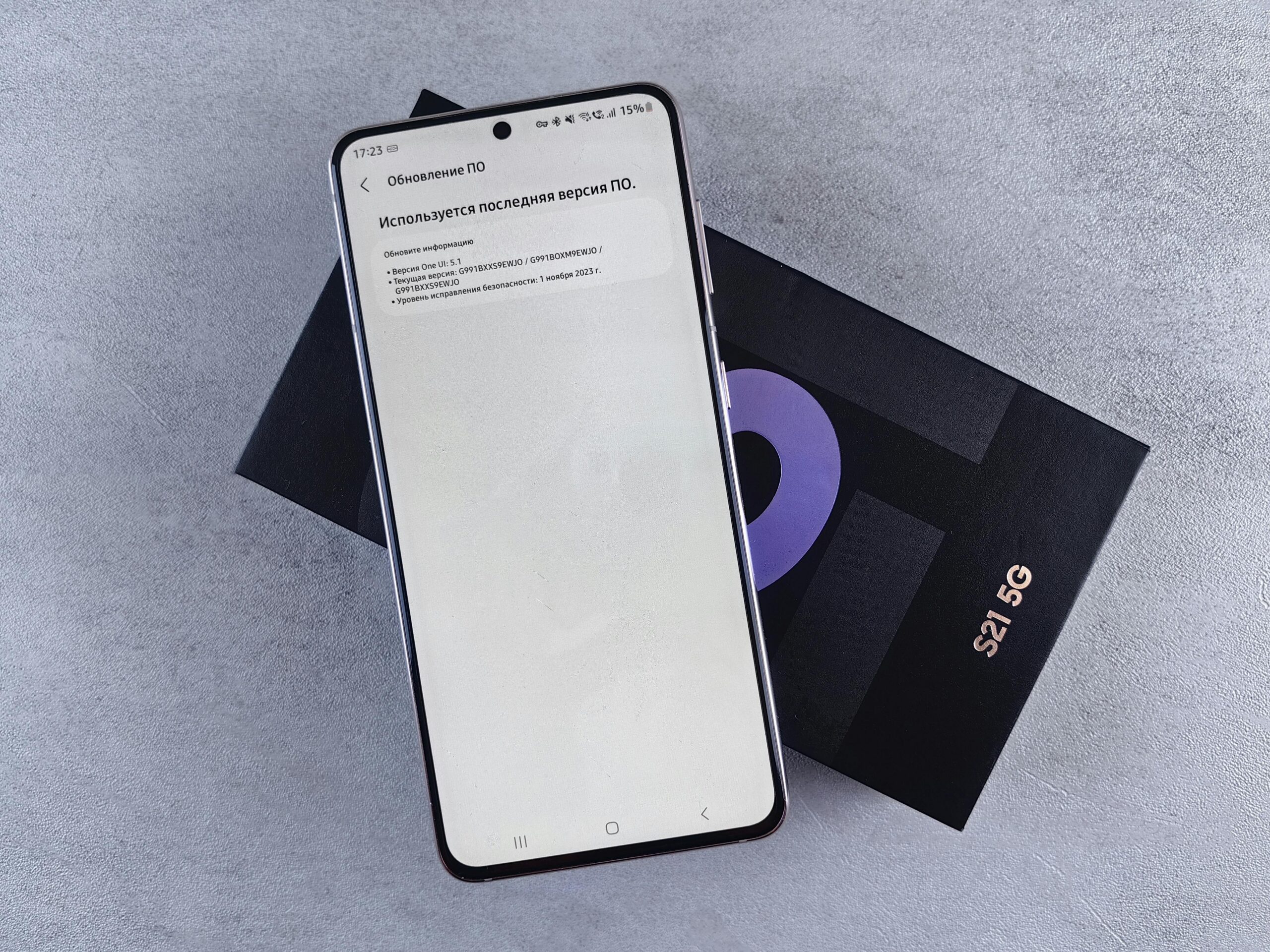
Making the Most of Your 5G Connection
With 5G successfully enabled on your device, explore applications and services that truly showcase its capabilities. Cloud gaming services like Xbox Cloud Gaming, NVIDIA GeForce NOW, and Google Stadia deliver console-quality gaming experiences directly to your phone with minimal latency when connected to robust 5G networks.
Video conferencing quality improves dramatically on 5G, with higher resolution, stable connections, and virtually no freezing or pixelation. Professional users conducting important video calls will notice immediate improvements in reliability and presentation quality.
Augmented reality applications become genuinely practical on 5G. Whether you’re using AR for furniture shopping, navigation, education, or entertainment, 5G’s low latency and high bandwidth make these experiences smooth and responsive rather than frustrating and laggy.
File sharing and cloud storage synchronization happen almost instantaneously on 5G. Uploading photos, accessing cloud documents, and backing up data no longer require patience or Wi-Fi hunting—your mobile connection handles these tasks effortlessly in the background.
Ultimately, unlocking 5G on your smartphone represents more than just a settings adjustment—it’s embracing the next evolution of mobile connectivity. By following the straightforward activation steps outlined for your specific device, troubleshooting any issues that arise, and intelligently managing your connection, you transform your smartphone into a powerful tool capable of handling tomorrow’s digital demands today. The future of mobile technology is here, waiting in your pocket. All it takes is a few taps to unlock its full potential and experience the internet at speeds that seemed impossible just a few years ago. 📲
